USB token drivers are essential software components required to access and use a Digital Signature Certificate (DSC) stored inside a USB token device. These tokens are widely used across government portals such as GST, Income Tax, MCA, eProcurement, and other secure authentication systems.
If your token is not detected or shows errors during DSC signing, installing the correct driver is the first and most critical step.
This page provides direct access to the latest USB token drivers for commonly used devices in India.
What is a USB Token Driver?
A USB token driver is a middleware that allows your operating system and browser to communicate with the USB token hardware. Without it:
- Your DSC will not be detected
- Signing utilities will fail
- Browser-based authentication may not work
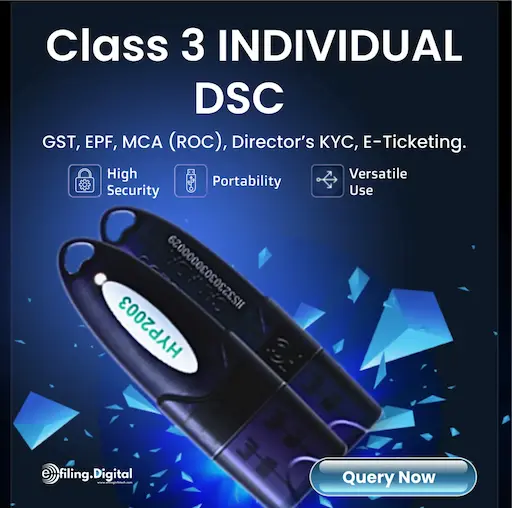
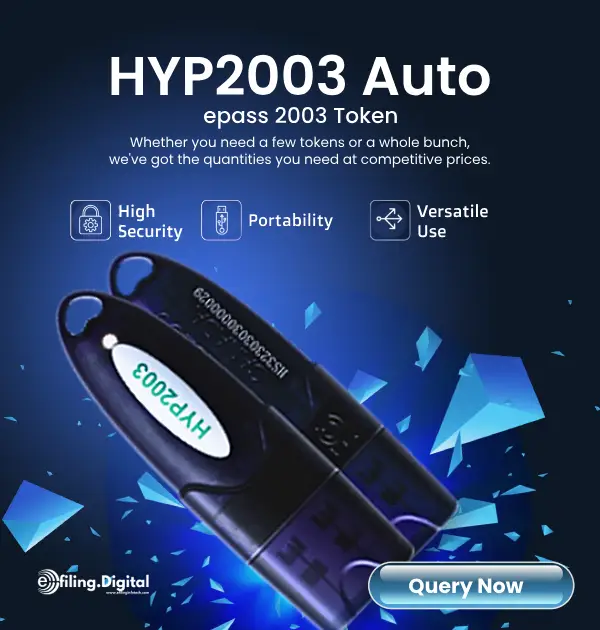
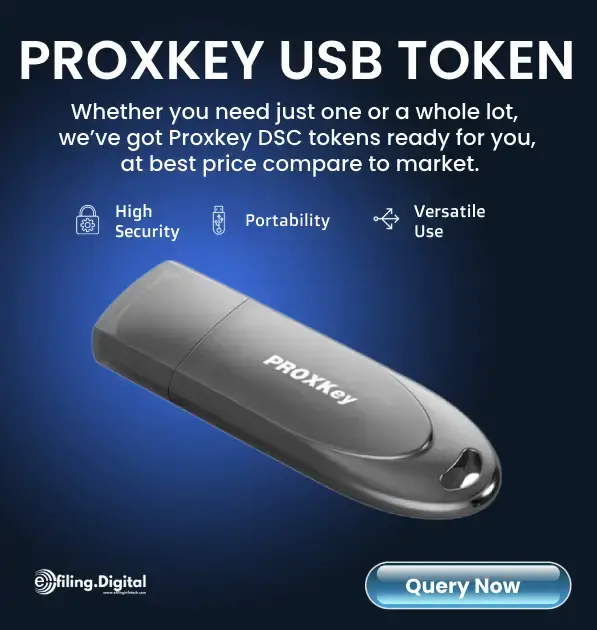
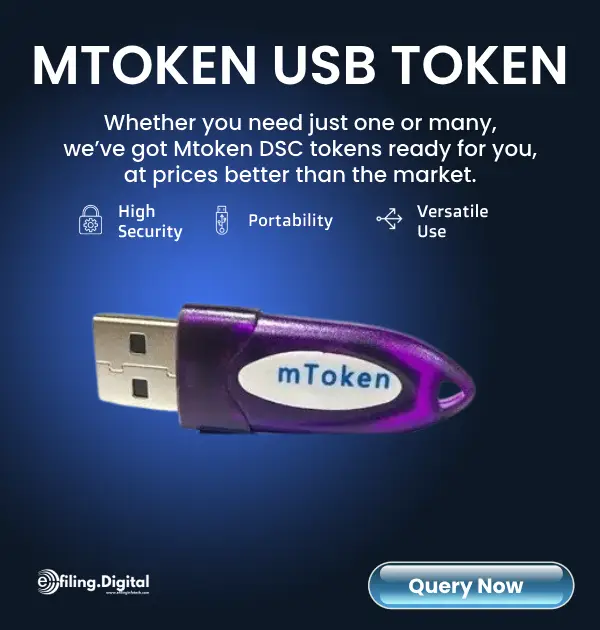
Download USB Token Drivers from our website. Download ePass Auto 2003, Proxkey, MToken, FIPS 140-2, FIPS 140-3 and Safenet 5110 USB Token drivers for downloading digital signature certificates.
| Token Name | Link | Link | Link |
|---|---|---|---|
| HYP2003 FIPS 140-3 Driver | Windows | x64 | Mac |
| HYP2003 FIPS 140-2 | Windows | x64 | i386 | Mac |
| Proxkey (Windows ) | Windows | Linux | Mac |
| mToken | Windows | Linux | Mac |
| Gemalto Safenet 5110 | Windows | N.A | Mac |
How to Install USB Token Drivers (Step-by-Step)
- Download the driver based on your token model and operating system
- Extract the ZIP file (if compressed)
- Run the installer as Administrator
- Follow on-screen instructions
- Restart your system (recommended)
- Insert your USB token and verify detection
Common Issues and Fixes
1. Token Not Detected
- Ensure driver is properly installed
- Try a different USB port
- Check Device Manager for errors
2. DSC Not Showing in Browser
- Install latest emSigner utility
- Enable Java or browser extensions if required
- Use supported browsers like Chrome or Edge
3. Driver Installation Failed
- Disable antivirus temporarily
- Run installer in compatibility mode
- Ensure system meets minimum requirements
Where are USB Token Drivers Used?
- GST Portal (Return filing, registration)
- Income Tax Portal (ITR signing)
- MCA (Company filings)
- eTender / GeM Portal
- PF & ESIC filings
Important Tips
- Always download drivers from trusted sources
- Keep drivers updated for compatibility
- Avoid using outdated Java versions
- Use original USB tokens only